 Albânia
 Alemanha
 Argentina
 Austrália
 Brasil
 Bulgária
 Bélgica
 Bósnia e Herzegovina
 Canadá
 Chile
Chile
 Colômbia
 Croácia
 Dinamarca
 Eslovenia
 Eslováquia
 Espanha
 Estados Unidos da América
 Estônia
 Filipinas
 Finlândia
 França
 Grã Bretanha
 Grécia
 Hungria
 Irlanda
 Itália
 Letônia
 Lituânia
 Luxemburgo
 Macedónia do Norte
 Moldávia
 Montenegro
 México
 Noruega
 Nova Zelândia
 Países Baixos
 Polônia
 Portugal
 República Checa
 Romênia
 Suécia
 Suíça
Suíça
 Sérvia
 Turquia
 Ucrânia
 África do Sul
 Áustria



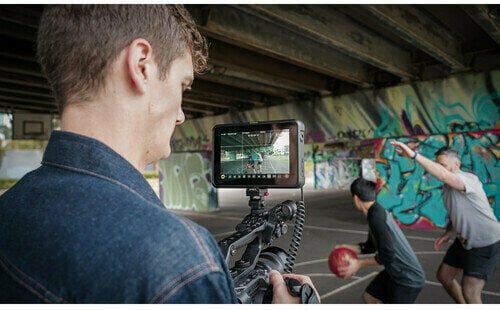
Código do produto: 447999
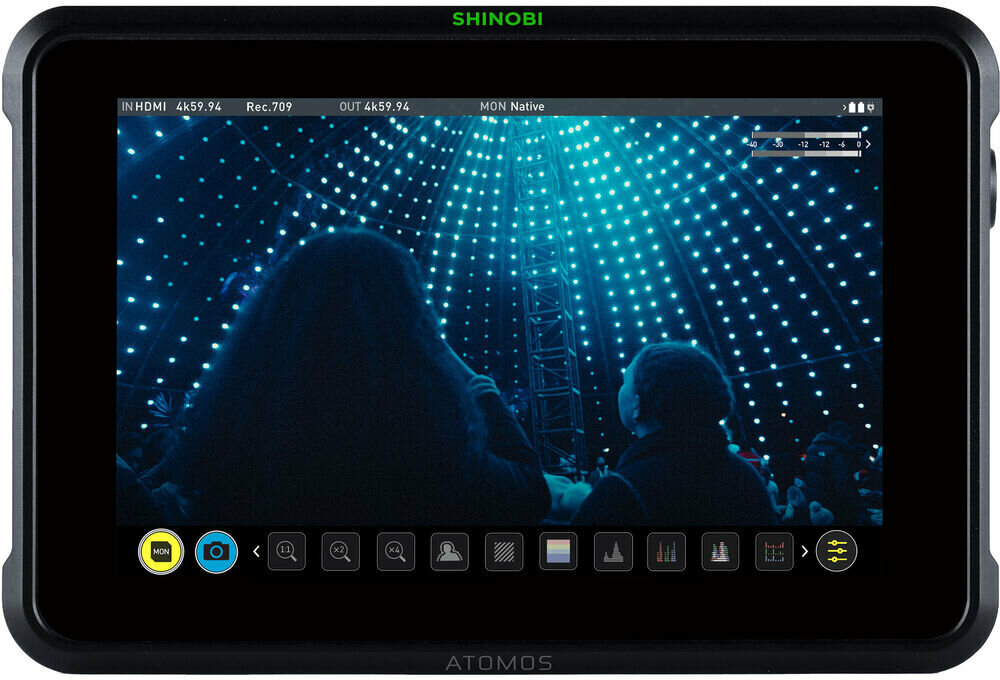
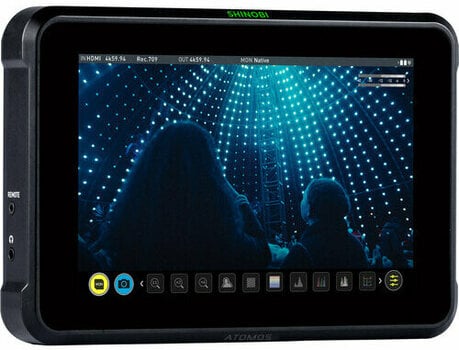
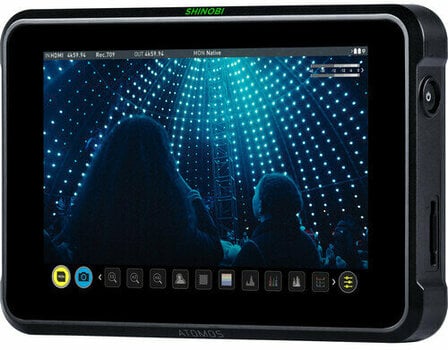
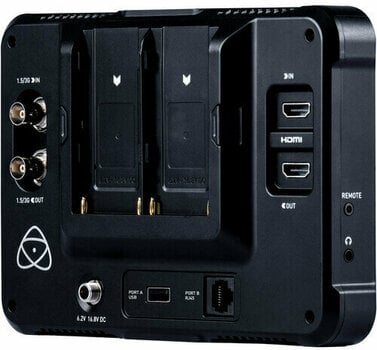
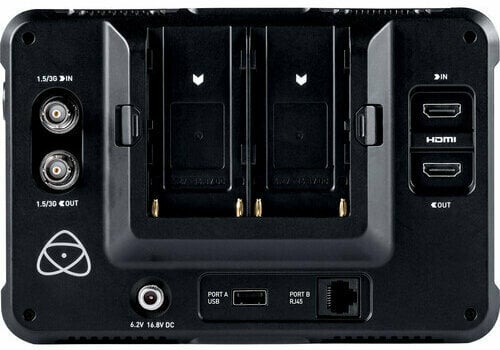
Atomos Shinobi 7 Monitor de vídeo
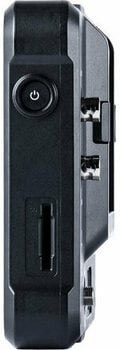
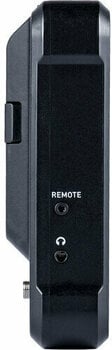
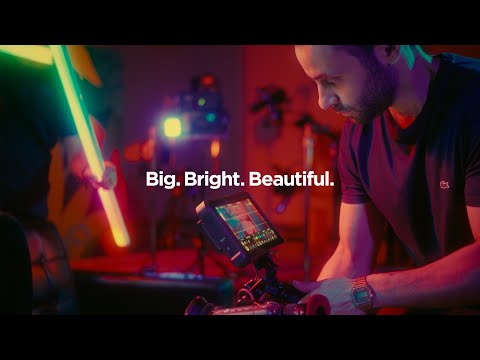
Shinobi 7 combines a large 7” HDR screen with a calibrated peak brightness of 2200nits and the lightweight monitor-only functions of the original Shinobi. The Shinobi 7 can be used in the brightest of environments to monitor signals up to 4Kp60 via HDMI or SDI. An ideal directors’ monitor, focus pullers’ monitor, program or preview display for video switchers, and perfect for vloggers presenting to camera. Control your favorite cameras by using the intuitive touchscreen of the Shinobi 7, designed to give you fast access to the most crucial camera features. Focus on the beautiful image and make dynamic adjustments of iris, white balance, shutter angle and ND. With the optional Atomos USB-C to serial cable, support is available out the box for the Z Cam E2 series camera, providing direct control of all the menu configurations. The additional USB and RJ45 control ports on the Shinobi 7 also provide support for future developments, as more options are added for touch screen camera control. The Shinobi 7 screen displays a stunning 10+ stops of dynamic range in real time from Log/PQ/HLG signals. Combined with our unique HDR monitoring features, the Shinobi 7 simplifies the complexities of shooting Log and HDR, helping you to replicate post-production workflows at the moment when it matters most – while shooting. With Adaptive Cooling, you can also prioritize reduced fan noise or the peak brightness of the display. We look after the technology so you can focus on the storytelling. In addition to Log to HDR conversions, you can also use your own custom 3D LUT to feed downstream to other devices or live feed. Load up to eight custom LUTs at any time via the SD Card Slot and instantly select between them, maintaining creative intent at all times. When using selfie mode, the large display acts as a perfect confidence monitor that allows you to ’bake-in’ a LUT to your camera input, to achieve your LOOK at capture for that perfect piece to camera.


Altifalante incorporado
Não
HDR automático
Conversão HDR
HLG, PQ
Gravação de pré-rolo
Tipo de ecrã
Resolução
PPI
Profundidade de bits
Relação de aspeto
Brilho (cd/m²)
Gama de cores
REC709 HDTV
Resolução de registo
DCI 4K (4096 x 2160) 60p
Desajuste anamórfico
1,33x, 1,5x, 2x, 1,8x, 1,25x
Retroiluminação
Suporte LUT
Pontos de montagem
Monitorização HDR
Sony SLog2, Sony SLog3, Sony SLog, Canon CLog2, Canon CLog3, ARRI Log CEI160, ARRI Log CEI200, ARRI Log CEI250, ARRI Log CEI320, ARRI Log CEI400, ARRI Log CEI500, ARRI Log CEI640, ARRI Log CEI800, ARRI Log CEI1000, ARRI Log CEI1280, ARRI Log CEI1600, Panasonic Vlog, JVC JLog1, RED Log3G10, RED LogFilm, FujiFilm F-log, Nikon N-Log, PQ10k, HLG
Monitorização HDR (gama)
Sony SGamut3, Sony SGamut3.cine, Canon Cinema, Canon DCI P3, Canon DCI P3+, Panasonic V Gamut, Arri Alexa Wide Gamut, Rec709, BT.2020, JVC, RED WideGamut, RED DragonColor, RED DragonColor2, RED Color3, RED Color4
Temperatura de funcionamento
0°C - +40°C
Cor
Preto
Material
Entradas
BNC, HDMI, SD, USB
Saídas
HDMI, Coaxial, 3,5mm stereo Jack
Peso (g)
577
Largura (mm)
198
Altura (mm)
39
Comprimento (mm)
0
Fabricado em
China


Documentos
Instruções de utilização
Instruções de segurança
Consulta o manual do utilizador para obteres as instruções de segurança específicas para este artigo.

Garantia alargada de 3 anos

Devoluções até 30 dias

Garantia de preço

Mais de 3M de clientes

Apoio profissional